PDF Agile Review 2026: A Cheaper Adobe Acrobat Alternative?
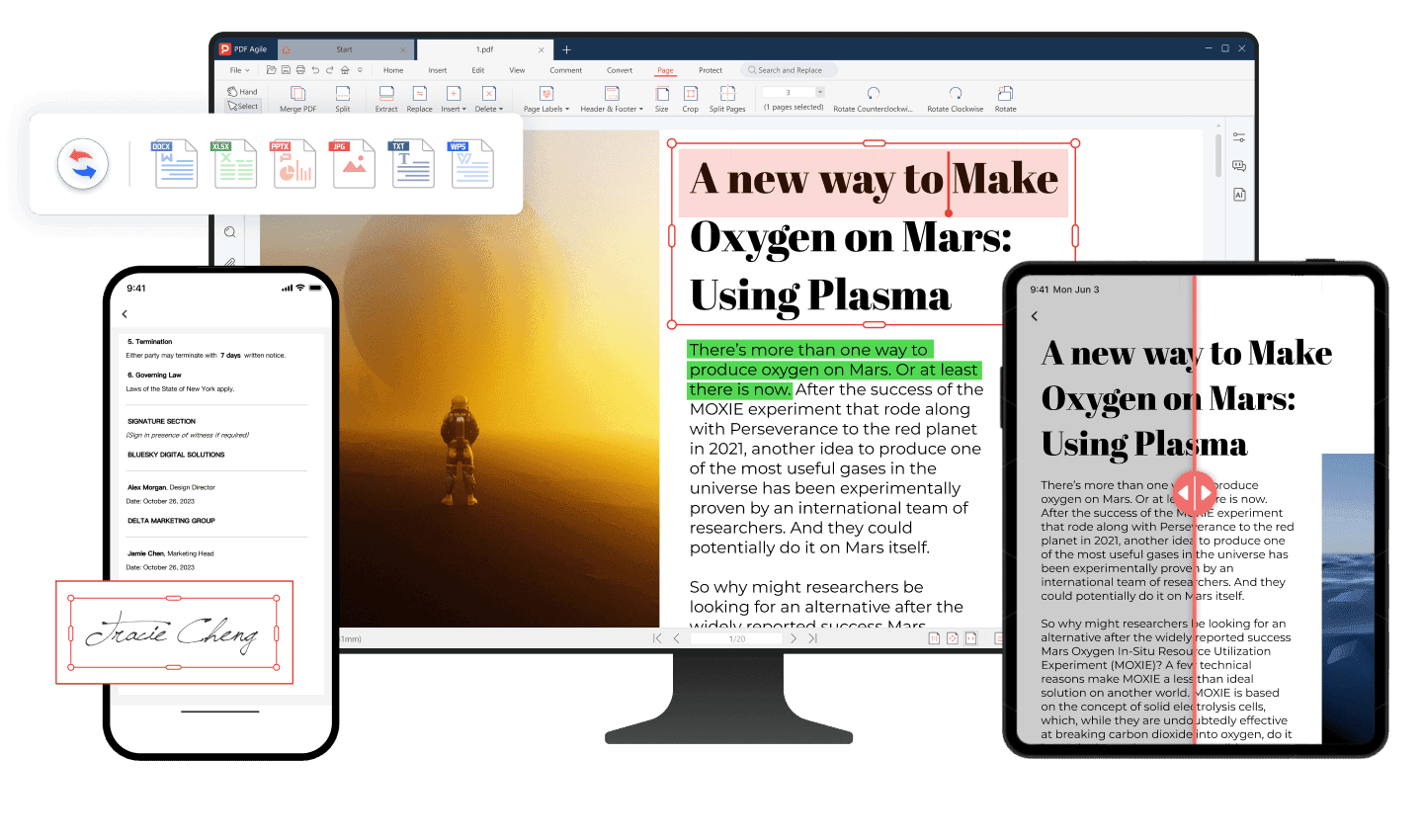
Paying $15 to $20 every month just to edit a few PDFs feels like a lot, which is why so many people search for a cheaper Adobe Acrobat alternative. This PDF Agile review is for freelancers, students, small offices and home users who edit, convert, sign or merge PDFs a few times a week and want to stop renting their PDF editor. We look at what the software actually does, what the free version leaves out and what each licence costs over time.
Quick verdict: RESEARCH PICK — PDF Agile is a sensible way to stop paying monthly if you edit, convert and sign PDFs regularly but do not need Adobe’s cloud tools. Test the free version on your own files before you buy the Lifetime Plan.
We also cover the terms most buyers never read: a licence works on two devices at a time, and the refund policy excludes “change of mind” purchases. Sources are PDF Agile’s pricing, download, FAQ and refund pages, Adobe’s published Acrobat prices and independent user reviews on Capterra and Trustpilot. Prices were checked Nov 12, 2026.
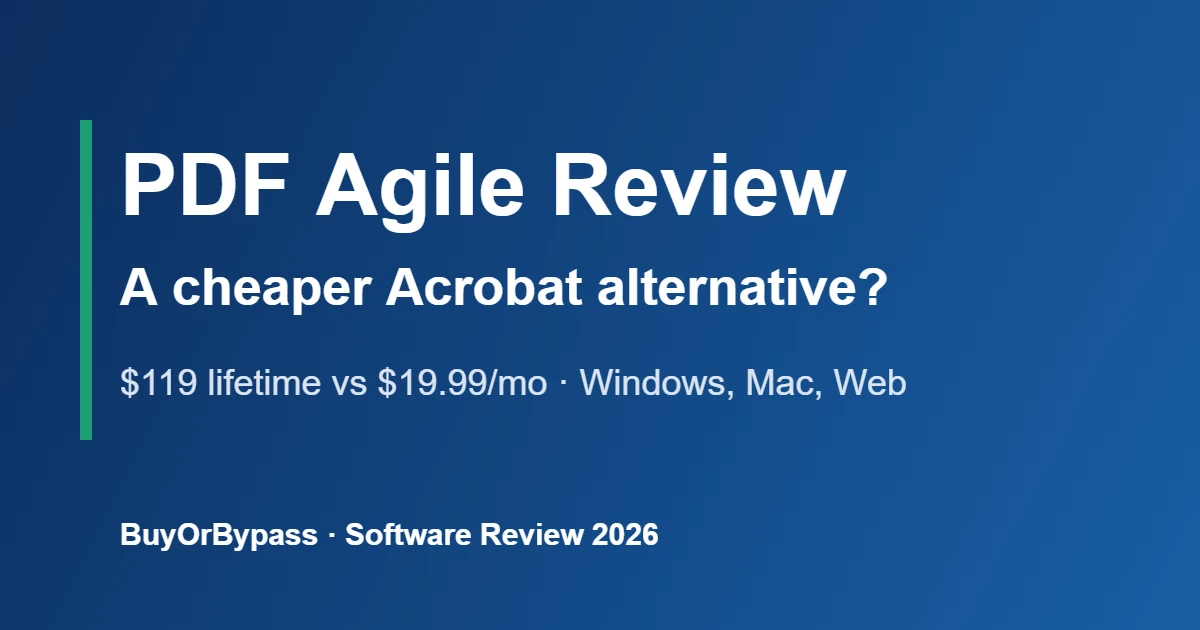
PDF Agile is worth a look if you want Acrobat-style editing, conversion, OCR and e-signing without a monthly bill. The Lifetime Plan at $119 costs less than seven months of Acrobat Pro ($19.99/month on an annual plan). The Annual Plan at $59 suits you if you only need it for a year. Try the free version on your own files first: refunds are not given if you simply change your mind, and a few users report crashes with very large or many open files.
See PDF Agile plans and prices
Affiliate disclosure: same price for you; BuyOrBypass may earn a commission if you buy through our link. Last updated Nov 12, 2026.
PDF Agile Review: What the Software Is
PDF Agile is an all-in-one PDF editor, converter and viewer. It installs on Windows 7 or later (64-bit) and macOS 10.15 Catalina or later (Apple Silicon and Intel), and there is a web version. Because the desktop app processes files locally, you do not have to upload contracts or tax forms to a website to edit them. The interface is laid out like Microsoft Office, so editing a PDF feels closer to editing a Word document or slide.
PDF Agile Review of Pricing vs Adobe Acrobat
| Plan | Price | Updates included | Cost over 2 years |
|---|---|---|---|
| PDF Agile Free | $0 | Basic viewing and limited conversion | $0 |
| PDF Agile Semi-Annual | $39 (about $6.50/month) | 6 months | $156 if renewed |
| PDF Agile Annual | $59 (about $4.90/month) | 1 year | $118 if renewed |
| PDF Agile Lifetime | $119 (listed regular price $295) | Lifetime upgrades | $119 |
| Adobe Acrobat Standard | $14.99/month (annual plan) | While subscribed | $359.76 |
| Adobe Acrobat Pro | $19.99/month (annual plan) | While subscribed | $479.76 |
PDF Agile prices from pdfagile.com/pricing, Nov 12, 2026. Adobe prices are the individual annual-plan rates reported in June 2026; check adobe.com for your region.
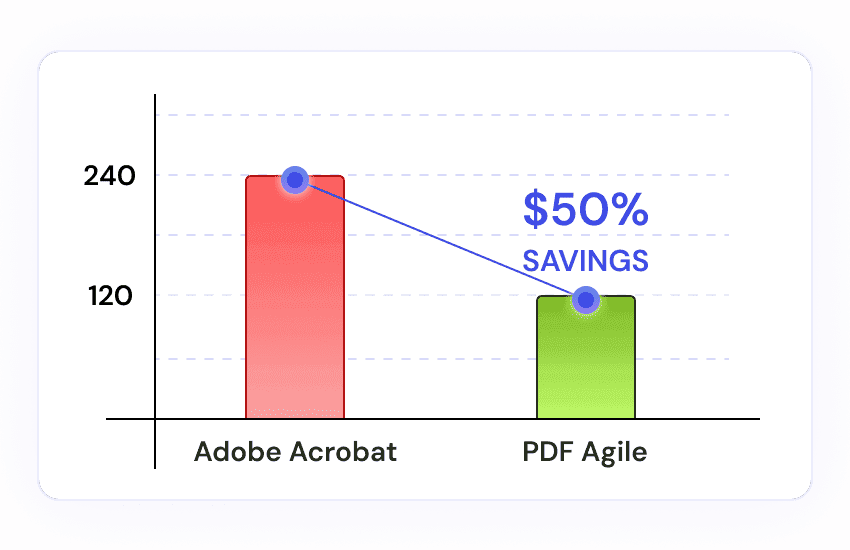
This is where our PDF Agile review finds the clearest advantage. The numbers make the case: over two years, the PDF Agile Lifetime Plan costs about a quarter of Acrobat Pro. The trade-off is ecosystem. Acrobat ties into Adobe Document Cloud and is the default in many large companies, while PDF Agile is a standalone app from a smaller vendor.
Features Covered in This PDF Agile Review
Convert
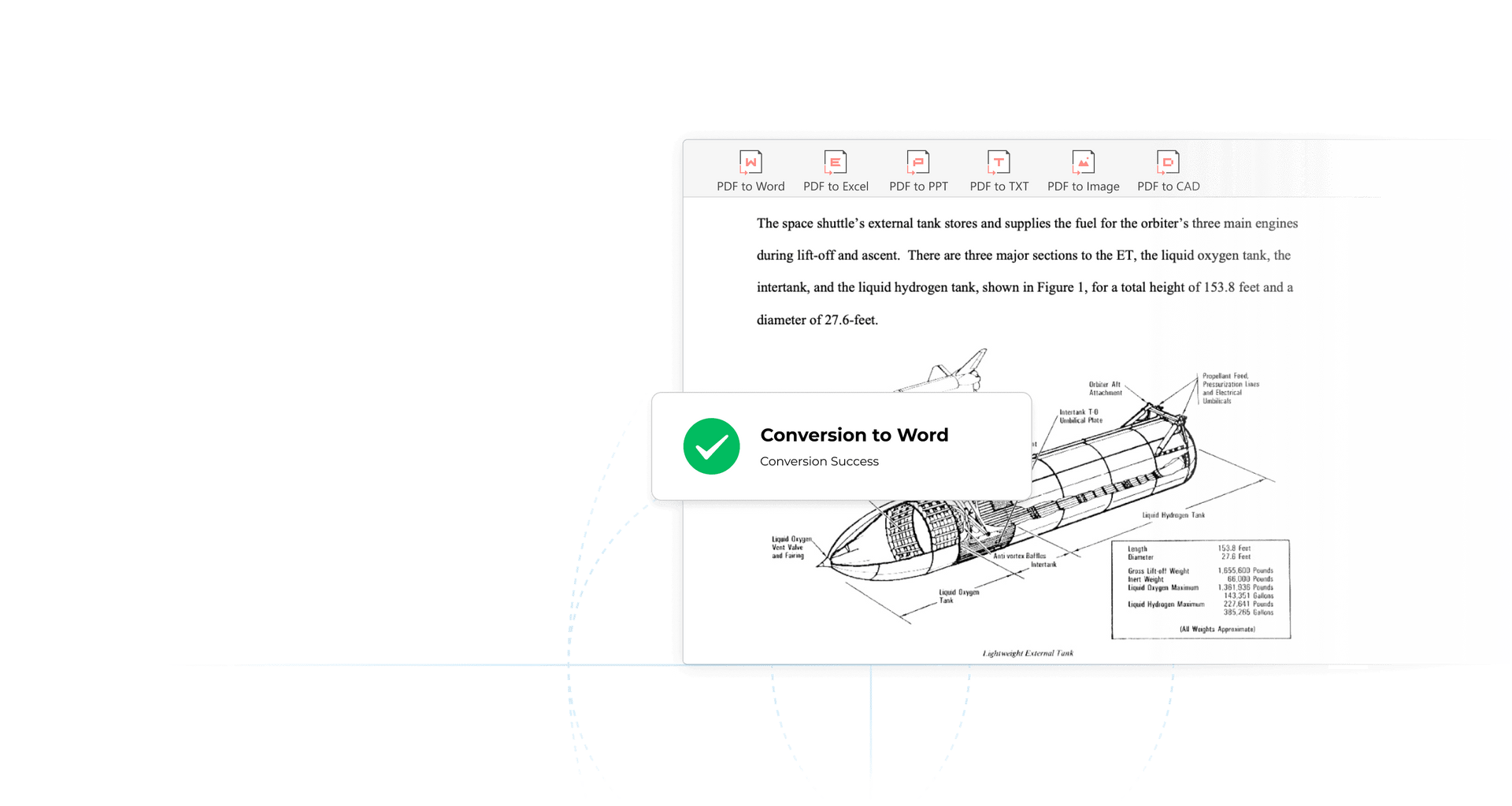
PDF to and from Word, Excel, PowerPoint, images, TXT and even DWG (CAD). Batch conversion on paid plans.
Edit and organise
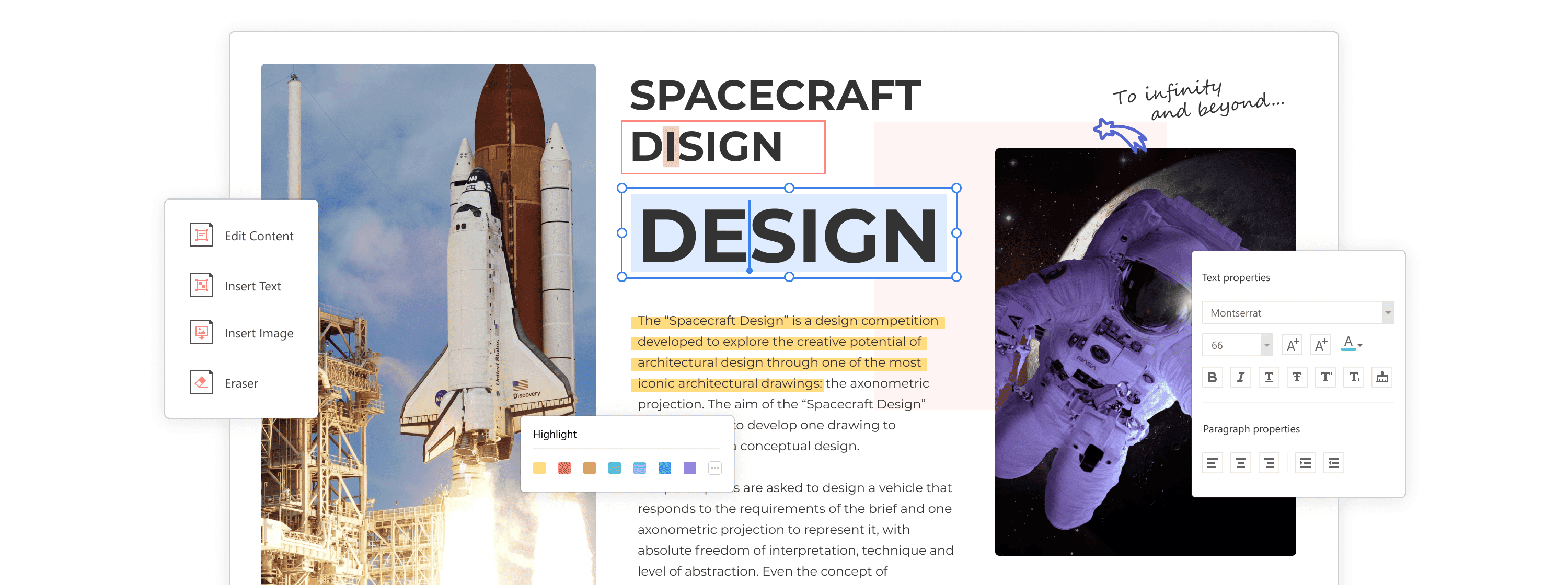
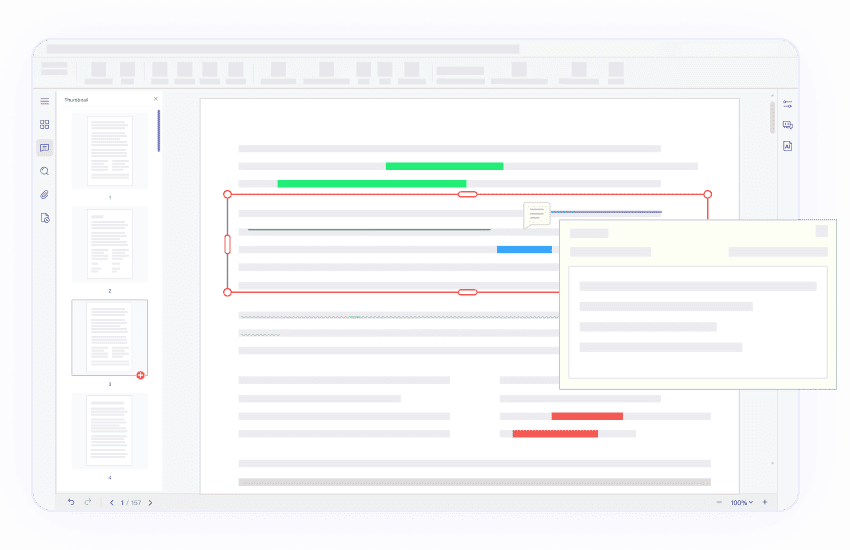
Edit text, images and media; merge, split, rearrange, rotate, crop and compress pages.
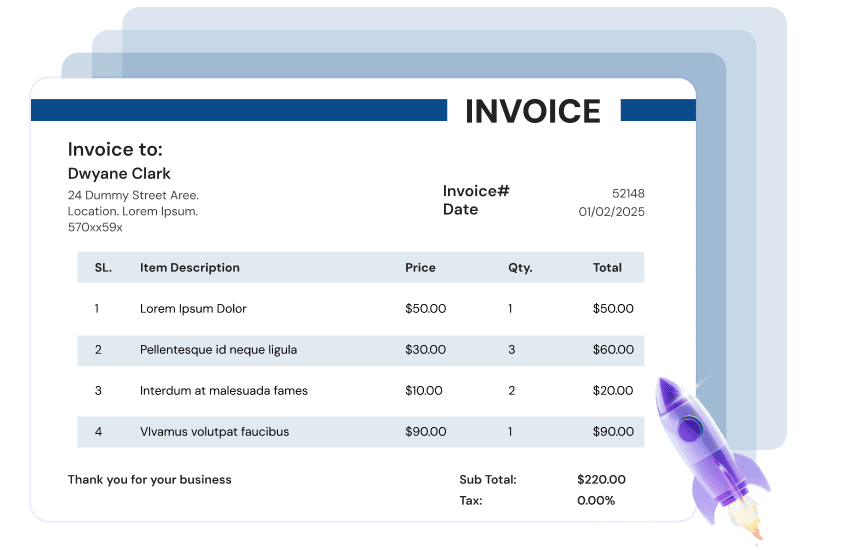
OCR, sign and protect
Turn scans into searchable text with OCR, e-sign documents, add passwords, fill forms and compare files.
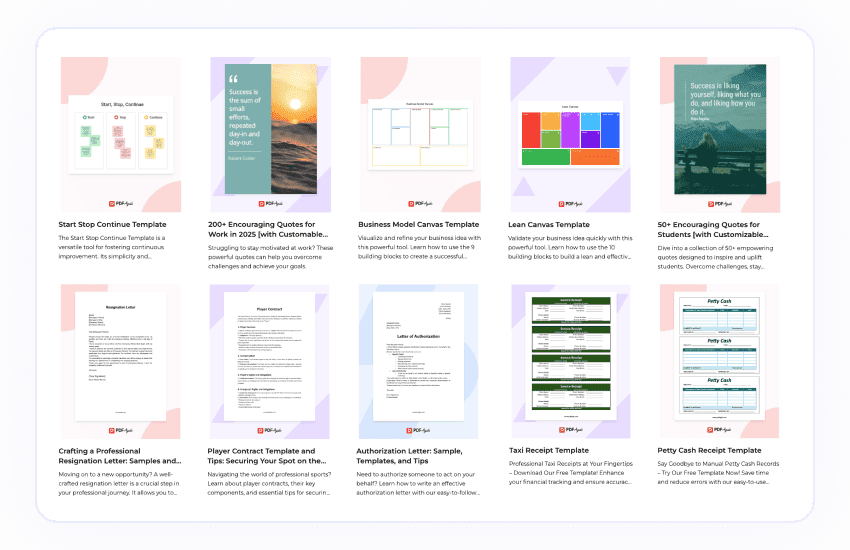
Templates
A built-in template library for resumes, invoices and forms, useful if you create documents from scratch.
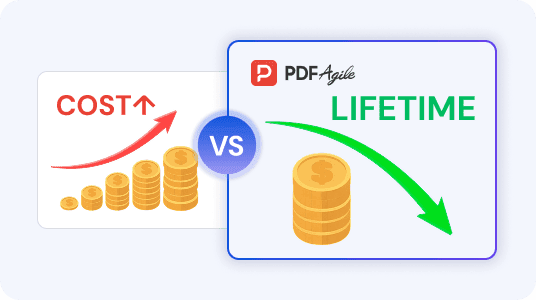
One-time licence instead of a monthly subscription.
Tools grouped in an Office-style ribbon.
Page thumbnails for merging and reordering.
PDF Agile Review: Our 5 Criteria
Performance
PDF Agile markets fast handling of large files. Capterra reviewers, however, mention slowdowns with large files and crashes with many documents open, so test your biggest PDFs on the free version.
Durability
For software, this means updates and support. Lifetime buyers get free upgrades for life; support is by email (support@pdfagile.com). Reviews of support response are mixed.
Ease of use
The Office-style ribbon is the most praised point: Capterra users rate ease of use 4.7 out of 5 and find merge, split and annotate tools easy to locate.
Hidden costs
None in the price itself, but the Semi-Annual and Annual plans only include updates for their term. Refunds are limited to technical problems support cannot fix, duplicate purchases and similar cases.
Value
Strong. $119 once versus $179.88 to $239.88 per year for Acrobat. For most home and small-office tasks, the feature list covers what people actually use Acrobat for.
What to Check Before Buying PDF Agile
Every PDF Agile review we read flags the same practical points, so check these before you pay:
- Test on your own files. The free version lets you read PDFs and try conversion with a limit of 2 pages and 5 tasks. Open your largest, most complex document before paying.
- Count your devices. One account can be logged in on up to two devices at the same time. A third device requires logging out of another one.
- Read the refund rules. Purchases older than 30 days, “change of mind” and renewal refunds for personal reasons are excluded. Refunds are offered for duplicate purchases, missing licence emails and technical problems support cannot solve within 72 hours.
- Check auto-renewal. The plans are listed as one-time payments, but the refund policy mentions automatic subscriptions. Check your order confirmation and cancel renewal before the billing date if you do not want it.
- Company standards. If your employer or clients require Adobe Acrobat for compliance or shared review workflows, an alternative may not be accepted.
Who Should Buy PDF Agile (and Who Should Skip)
Freelancers and small offices
Edit contracts, convert invoices, sign and send. The Lifetime Plan pays for itself in under seven months versus Acrobat Pro.
Students
Annotate, merge and OCR lecture notes. The Annual Plan at $59 covers a school year.
Privacy-minded users
Desktop processing means no uploading tax or medical paperwork to a website.
Skip it if
You need Adobe Document Cloud workflows, work on very large technical PDFs every day, or want a no-questions-asked money-back period.
PDF Agile Pros and Cons
Pros
- Lifetime licence for $119, no monthly bill
- Windows, Mac and web versions
- Edit, convert, OCR, e-sign, compare and protect in one app
- Files processed locally on desktop
- Office-style interface, rated easy to use
Cons
- No “change of mind” refunds
- Licence limited to 2 devices at a time
- Some users report crashes or slowdowns with large files
- Few independent reviews so far (6 on Capterra, 4 on Trustpilot)
- Mixed reports on support response times
Why Check Here Before You Buy
Two-year cost, not monthly hype
We compare total cost over the time you will actually use the software.
Refund terms up front
The refund exclusions sit in a separate policy page. We put them near the top.
Real user complaints included
We quote the problems users report, not only the vendor’s feature list.
PDF Agile Review Verdict: Is It Worth It?
Our PDF Agile review comes down to one question: how often you work with PDFs. For people who edit, convert and sign PDFs regularly but do not need Adobe’s cloud ecosystem, PDF Agile is a sensible way to stop paying monthly. Start with the free version on your own documents. If it handles them well, the Lifetime Plan is the best value; if you are unsure how long you will need it, the Annual Plan keeps the risk low. Because refunds are limited, the free trial is your real safety net.
PDF Agile Review FAQ
Is PDF Agile free?
There is a free version for reading and basic tasks. Conversion is limited to 2 pages and 5 tasks; paid plans remove the limits.
How much does PDF Agile cost?
$39 for 6 months, $59 for 1 year or $119 for a lifetime licence (listed regular price $295), as of Nov 12, 2026.
Does PDF Agile work on Mac?
Yes. It supports macOS 10.15 Catalina or later on Apple Silicon and Intel, plus Windows 7 or later and a web version.
Can I get a refund from PDF Agile?
Only in specific cases, such as duplicate purchases or technical problems support cannot resolve. Change-of-mind refunds and purchases older than 30 days are excluded.
Is this PDF Agile review based on hands-on testing?
No. It is a Research Pick built from the vendor’s published terms, Adobe’s prices and independent user reviews. We will update it if we run our own tests.
Is PDF Agile a good Adobe Acrobat alternative?
For editing, converting, OCR and e-signing at home or in a small office, yes. For enterprise Adobe workflows, Acrobat remains the standard.
Related Guides
- Serpstat Review 2026: A Cheaper Semrush Alternative?
- How we reach a verdict
- More tech reviews
- BuyOrBypass home
Sources: pdfagile.com pricing, download, FAQ and refund policy pages, read Nov 12, 2026; Adobe Acrobat individual pricing as reported by Xodo (June 2026); user reviews on Capterra and Trustpilot. Updated Nov 12, 2026.